A coloring page should come out of the printer looking like the preview: centered, nothing cut off, and without a drained ink cartridge. These are the settings that matter, whether you print on US Letter or A4.
The short version
- Pick the paper size that matches the paper in your printer.
- Print one test page before printing a stack.
- Choose Fit to page if the edges look cut off, or Actual size if the page looks too small.
- Use black-and-white or grayscale and standard quality to save color ink.
- Put a spare sheet under the page when kids use markers.
1. Start with the right paper size
Most printables made for the United States are designed for US Letter paper, which measures 8.5 × 11 inches. Our PDFs use that size. A4 paper, common outside North America, is slightly narrower and taller, so a Letter page can be clipped or shrunk if the printer is not told how to handle the difference.
If you print on A4, open the print dialog and turn on Fit to page (it may be called Scale to fit or Fit to printable area). The drawing will shrink a little and stay fully on the sheet.
2. Check the preview before you press print
Every PDF viewer and browser has a print preview. Look at it for two seconds. If the drawing touches the edge of the page or part of it is missing, the scaling setting is almost always the reason, not the file. Switch between Fit to page and Actual size and watch the preview change.
3. Print one test page first
Print the first page only, and look at it next to your child's crayons. Check three things: the whole drawing is on the sheet, the lines are dark enough, and the page is the right way up. Our pages are portrait (tall), so if a page prints sideways, set the orientation to portrait.
4. Save ink without losing quality
Coloring pages are line art, so they do not need photo-quality printing. Two settings help:
- Black and white or grayscale. The printer then uses black ink only. Many printers also use color cartridges when a page is sent as color, even if it looks black.
- Standard quality instead of best or high. Lines stay clear, and each page uses less ink. If the lines look faint, try standard before going back to high.
The names of these settings vary by printer and operating system, so look around the print dialog for Color, Quality or Print mode.
5. Match the paper to the coloring tools
Regular printer paper works well for crayons and colored pencils. Markers can bleed through thin paper, so slide a spare sheet underneath while your child colors, which also protects the table. Heavier paper handles markers better. If you want to try cardstock, check your printer's manual first, because not every printer can feed thick paper.
6. Print the whole pack at once
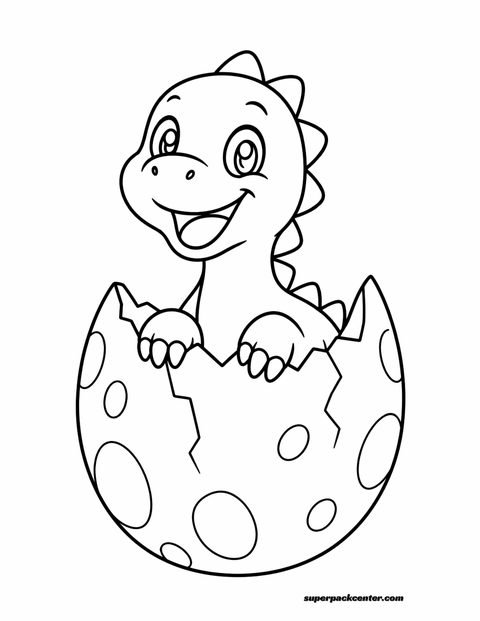
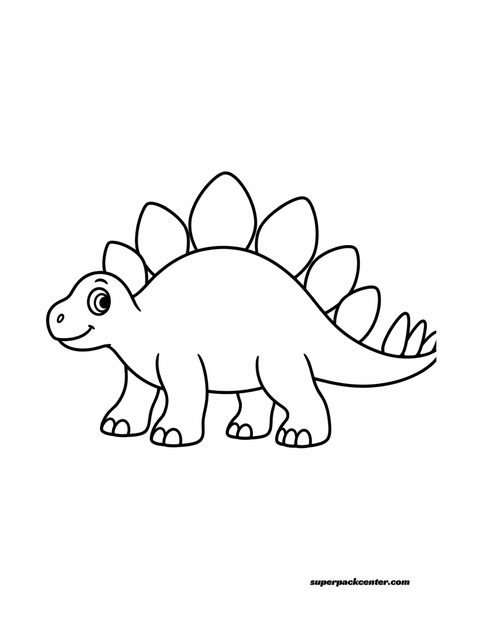
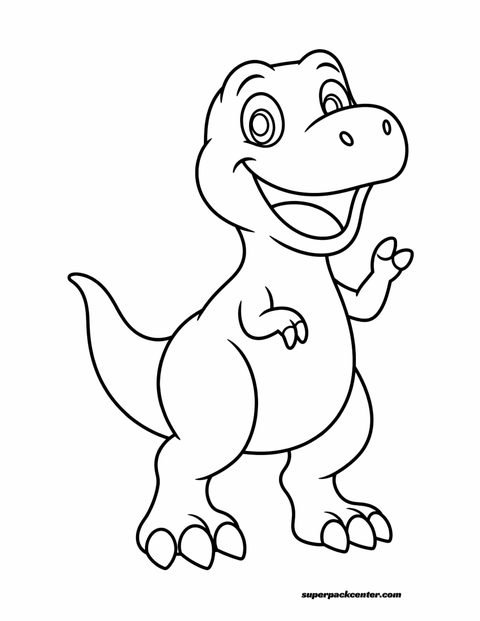
When a pack has several pages, print them all and let your child choose. Having a few options on the table keeps the activity moving and saves you extra trips to the printer. Our Dino Friends pack has six bold, simple pages and one detailed bonus scene, which makes it easy to match a page to your child's mood.
Quick fixes for common problems
| What you see | What to try |
|---|---|
| Edges of the drawing are cut off | Turn on Fit to page or Scale to fit. |
| The drawing is much smaller than the sheet | Switch from Fit to Actual size (100%). |
| The page prints sideways | Set orientation to portrait. |
| Lines look pale | Check ink levels, then try standard quality instead of draft. |
| Markers show through the paper | Put a spare sheet underneath, or use heavier paper. |
Ready to try it?
Pick any page from a free pack, print a single test sheet with the settings above, and adjust from there. You will only need to set it up once, because most printers remember the last settings you used.